your stream highlights aren't getting enough reach and engagement
Post Your Stream Highlights
& Clips Everywhere
Works With Any Streaming Platform
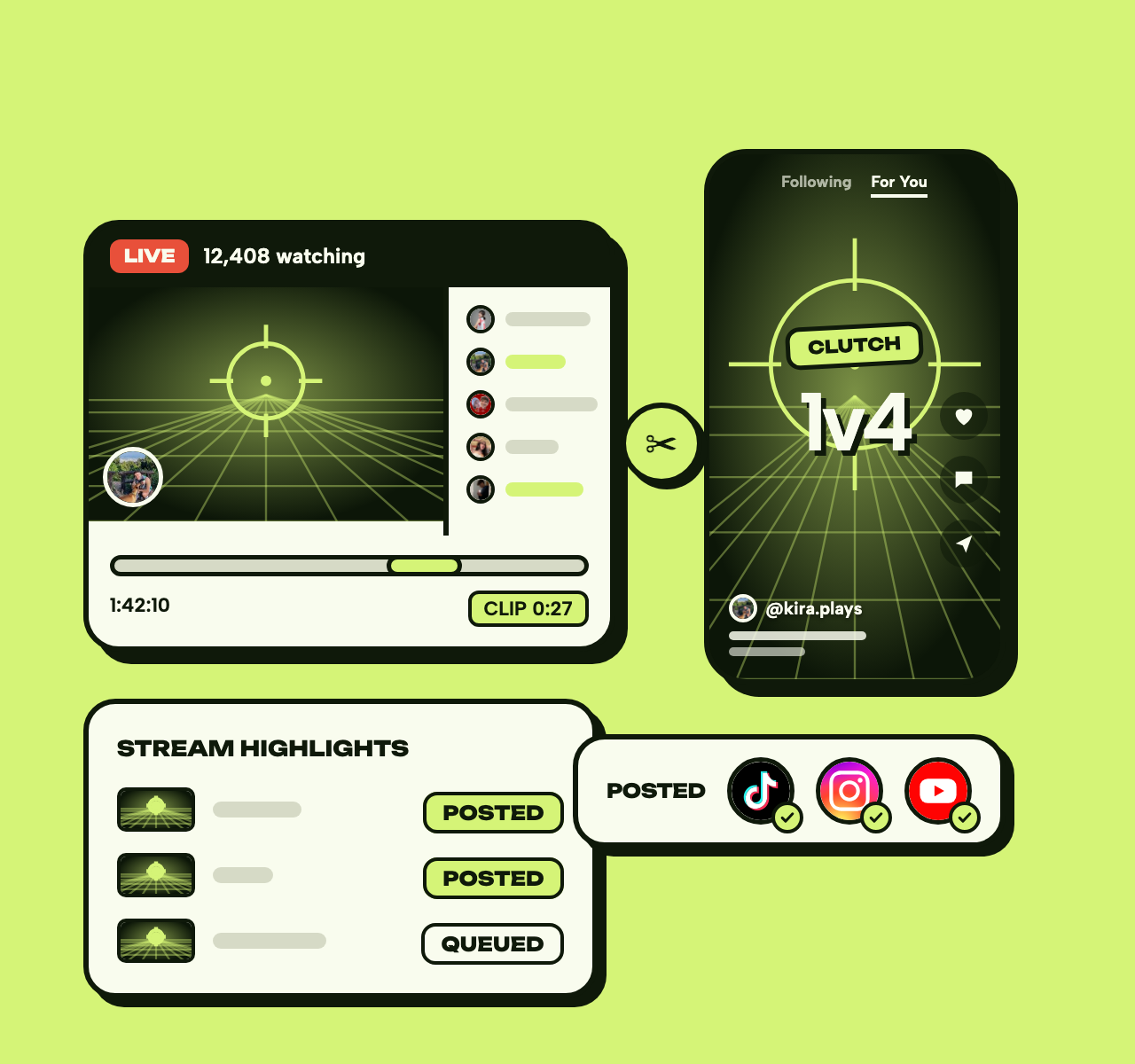
Want more attention for your stream highlights? Taisly automatically posts your stream clips and highlights to multiple social media platforms. Gain new followers, boost engagement, and grow your livestream audience across different platforms
Try it for free No credit card required





158,295+posts published
Why Streamers Should Share Highlights Across Multiple Platforms
Your best stream moments deserve a wider audience. By sharing your stream highlights on TikTok, Instagram Reels, YouTube Shorts, and other platforms, you can reach viewers who never visit your primary streaming platform. Our cross-platform approach helps you convert casual viewers into loyal followers and maximize the earnings from content you're already creating!
Works With Any Streaming Platform
on every platform
Works With Any Streaming Platform
Taisly works with any streaming platform you use - whether it's Twitch, YouTube, Kick, Facebook Gaming or any other service. Our goal is to help you spread your content further, regardless of where you create it.
Simply export your clips from your streaming platform and upload them to Taisly, or connect your streaming account directly if available. We automatically handle the distribution to all major social media platforms, so you can focus on what you do best - creating great content.

Stream Highlights Need Multiple Distribution Channels
Have you ever created an amazing stream highlight, only to see it get lost on your primary platform? Even the best moments from your streams can go unnoticed if you only post in one place.
The challenge is that every platform has different algorithms and audiences. A clip that doesn't perform well on your streaming platform could go viral on TikTok or Instagram Reels.
Our auto-posting tool helps you spread your stream highlights everywhere without extra effort. 456 streamers already use Taisly to maximize their content reach. Don't let your best moments go unseen!

Taisly helps streamers who:
want to expand your audience beyond your primary streaming platform
spend too much time manually posting clips on different platforms
Features

Auto Repost
Repost your videos automatically to multiple social media platforms
Auto Post
Post your videos automatically to multiple social media platforms
Schedule
Date
05/10/2026
Time
09:05
Schedule
Plan and schedule your content to post at optimal times across platforms
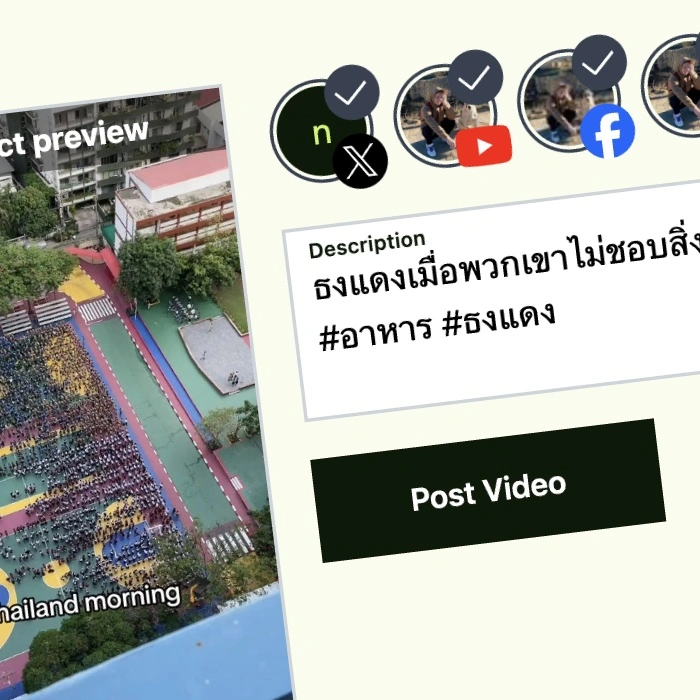
Auto-Posting Stream Highlights Made Easy
Start sharing your stream highlights automatically across all social platforms, regardless of:
- which streaming platform you use
- how many followers or subscribers you have
- whether you're a beginner or experienced streamer
- what type of content you stream
- how often you create stream highlights
Pricing
Influencer
$11
per month, billed yearly
- 10 Connected Accounts
- Unlimited Posts
- 2 Repost Sources
- Unlimited Reposts
- Schedule Posts
Pro
$42
per month, billed yearly
- Unlimited Accounts
- Unlimited Posts
- Unlimited Repost Sources
- Unlimited Reposts
- Schedule Posts
Try it for free
No credit card required
API for Developers
REST API for Video Automation
Programmatically post videos, manage platforms, and track performance. Simple authentication, powerful features.
View Full Documentationbash
# List connected platforms
curl https://app.taisly.com/api/private/platform/platforms \
  -H "Authorization: Bearer YOUR_API_KEY"

# Post a video
curl -X POST https://app.taisly.com/api/private/post \
  -H "Authorization: Bearer YOUR_API_KEY" \
  -F "video=@video.mp4"
FAQ
Find answers to common questions about Taisly's automated video posting platform. Get help with platform support, pricing, video requirements, and more.
FAQWe use the official API platforms & have been reviewed by every platform we integrate with, so your accounts will always be safe