AutomaticallyRepost TikTok videosto Instagram
Publish on TikTok, reach viewers on Instagram, and skip the second upload. Taisly handles the repost in the background.
Start auto reposting No credit card required
New repost rule
OnPublish on TikTok
TikTok
Repost to Instagram
Instagram+
Publish on TikTok
Repost to InstagramOn
See how a repost rule from TikTok to Instagram is created
Choose TikTok as the source, Instagram as the destination, and save the rule. Then keep publishing on TikTok as usual.
Real demo
One video, published on both platforms
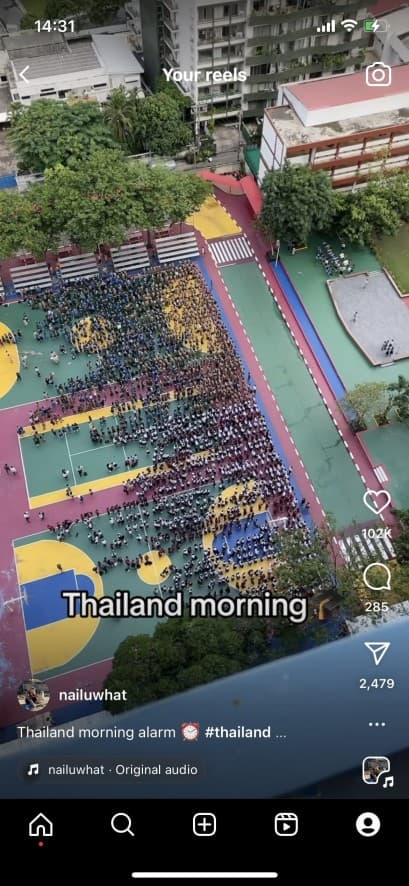
Publish on TikTok. Taisly detects the new video and creates the connected Instagram post with the same video and available caption.

@studio.northPublished on TikTok
0:27Thailand morning ☀️ #thailand #travel
@studio.northReposted to Instagram
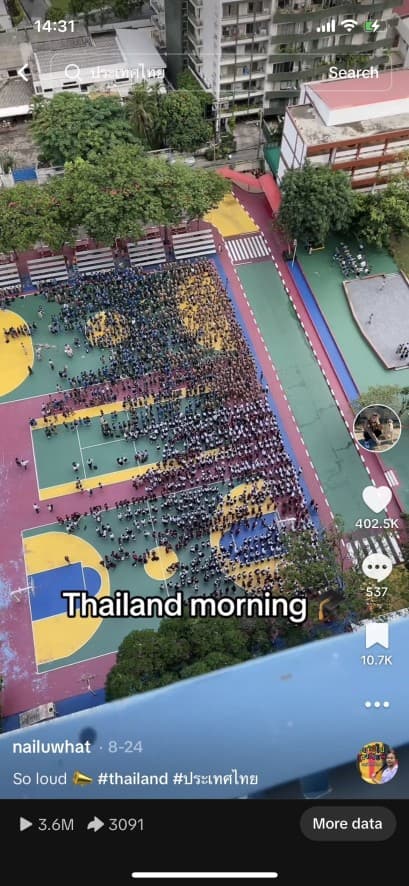 0:27
0:27Thailand morning ☀️ #thailand #travel
Keep TikTok as your publishing home base
This route is for creators who publish video on TikTok first and want a native Instagram post without repeating the transfer by hand.
One source account
The rule watches the TikTok account you select. It does not scan unrelated profiles or repost content from accounts you do not connect.
TikTok
A native Instagram post
Taisly sends the video through the connected Instagram publishing flow instead of sharing a TikTok link.
Instagram
Caption text moves with the video
When TikTok supplies a caption, Taisly passes that text into the destination posting flow with the video.
Reposted to Instagram
What this workflow does - and where it stops
Taisly handles distribution. It does not replace platform rules or turn one video into a newly edited version.
New videos, not a library migration
The automatic rule detects newly published source videos. It does not backfill an existing TikTok library.
Connected accounts are required
Both the TikTok source account and the Instagram destination account must remain connected and available to Taisly.
Instagram still applies its own rules
A video can be delayed or rejected when it does not meet Instagram requirements or the destination account cannot publish it.
Distribution is not editing
Taisly does not resize, cut, rewrite, or optimize the creative for Instagram as part of this repost rule.
Current repost detection considers source videos after they have been live for at least five minutes and while they remain within the three-hour eligibility window.
TikTok to Instagram reposting questions
See all automatic repost routesTaisly checks eligible newly published videos from the connected source account. A video must be detected inside the current eligibility window, and Instagram applies its own publishing requirements.
Prefer Instagram as your source?
Ready to stop reposting by hand?
Connect both accounts, set the route, and let Taisly handle the next repost.
Start auto reposting